
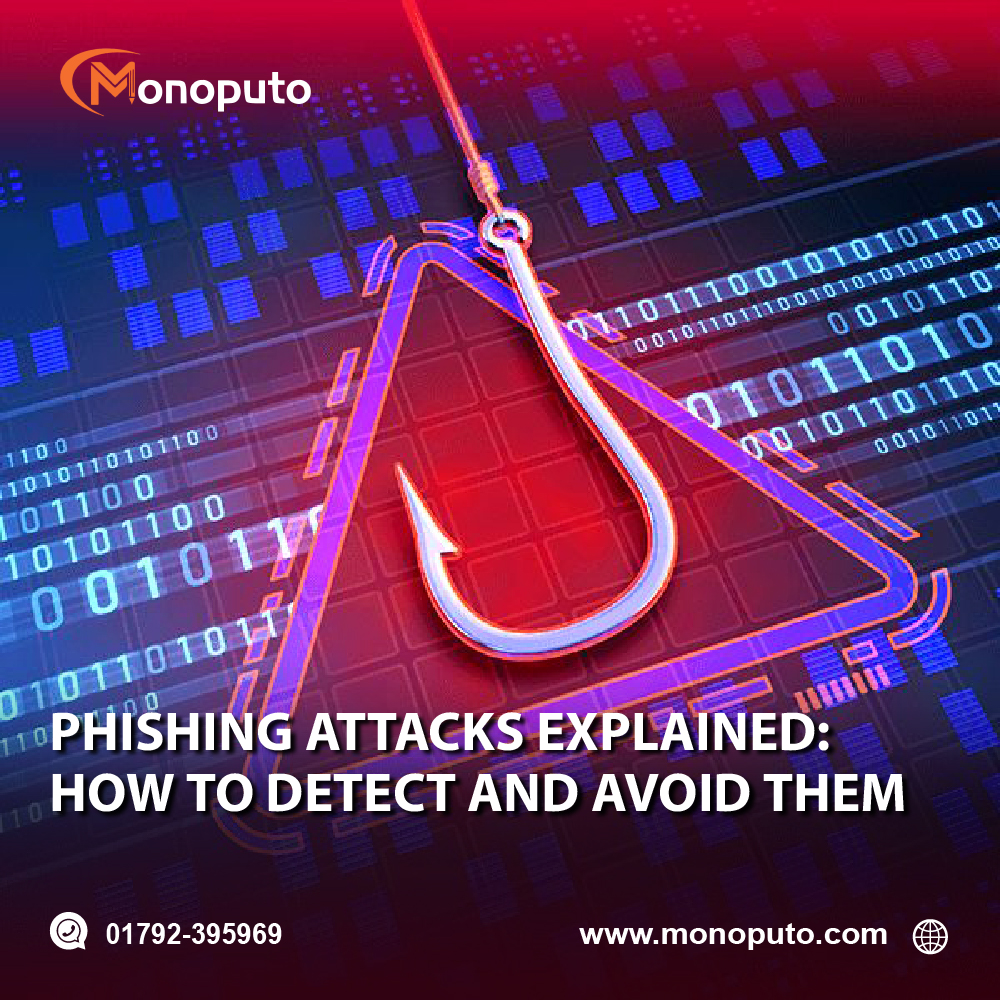
Phishing attacks are one of the most common and dangerous cyber threats facing businesses today. Every day, cybercriminals send millions of fake emails, text messages, and website links designed to trick people into revealing passwords, financial information, or confidential business data. Whether you're a small business or a large enterprise, a single phishing attack can lead to data breaches, financial losses, and damaged customer trust.
The good news is that most phishing attacks can be prevented with the right knowledge, employee awareness, and cybersecurity practices. This guide explains what phishing attacks are, how to recognize them, and the best ways to protect your business.
What Is a Phishing Attack?
A phishing attack is a type of cybercrime where attackers impersonate a trusted person, company, or organization to trick victims into providing sensitive information.
Their goal may be to steal:
Login credentials
Banking information
Credit card details
Customer data
Business documents
Personal information
Phishing attacks are commonly delivered through:
Email
SMS (Smishing)
Phone calls (Vishing)
Social media messages
Fake websites
Why Phishing Attacks Are So Dangerous
Phishing attacks are successful because they target people rather than technology. Instead of hacking into systems directly, attackers manipulate users into giving away confidential information.
A successful phishing attack can lead to:
Financial fraud
Data breaches
Identity theft
Ransomware infections
Business email compromise (BEC)
Loss of customer trust
Operational downtime
For many businesses, phishing is the starting point of a much larger cyberattack.
Common Types of Phishing Attacks
1. Email Phishing
Attackers send emails that appear to come from trusted organizations such as banks, software providers, or business partners.
Common signs include:
Urgent requests
Suspicious links
Unexpected attachments
Fake invoices
Password reset requests
2. Spear Phishing
Unlike mass phishing campaigns, spear phishing targets specific individuals or organizations using personalized information.
Attackers may research employees through LinkedIn or company websites before sending convincing emails.
3. Business Email Compromise (BEC)
Cybercriminals impersonate executives, managers, or vendors to request money transfers or sensitive information.
These attacks often appear legitimate because they use familiar names and business language.
4. Smishing (SMS Phishing)
Fraudulent text messages encourage users to click malicious links or provide personal information.
Examples include fake delivery notifications, banking alerts, or prize offers.
5. Vishing (Voice Phishing)
Attackers use phone calls to impersonate banks, government agencies, or technical support teams to obtain confidential information.
Never share passwords or verification codes over the phone unless you initiated the call.
How to Recognize a Phishing Attempt
Watch for these warning signs:
Unexpected emails requesting urgent action
Misspelled email addresses or domain names
Poor grammar or unusual wording
Suspicious links that don't match the official website
Requests for passwords or financial information
Unexpected file attachments
Messages creating fear or urgency
Offers that seem too good to be true
If something feels unusual, verify the request before taking action.
How to Protect Your Business from Phishing
Enable Multi-Factor Authentication (MFA)
Even if attackers steal a password, MFA provides an additional layer of protection by requiring another verification step.
Enable MFA for:
Email accounts
Cloud applications
Financial systems
Administrator accounts
VPN access
Train Employees Regularly
Employees are your first line of defense against phishing attacks.
Provide regular cybersecurity awareness training covering:
Identifying phishing emails
Safe email practices
Social engineering tactics
Password security
Reporting suspicious messages
Well-trained employees significantly reduce phishing risks.
Verify Before You Click
Before clicking a link:
Hover over it to view the destination URL.
Confirm it matches the official website.
Contact the sender if you're unsure.
Avoid downloading unexpected attachments.
When in doubt, visit the company's website directly instead of using email links.
Use Email Security Solutions
Modern email security tools can block many phishing attempts before they reach employee inboxes.
Consider solutions that provide:
Spam filtering
Malware scanning
URL protection
Attachment scanning
Anti-phishing detection
Keep Software Updated
Outdated systems may contain vulnerabilities that attackers exploit after a phishing attempt.
Regularly update:
Operating systems
Browsers
Email clients
Antivirus software
Business applications
Automatic updates help ensure the latest security patches are installed.
Create an Incident Response Plan
Even with strong defenses, phishing attacks can still occur.
Your response plan should include:
Reporting procedures
Account isolation
Password resets
Malware scanning
Customer communication (if necessary)
Security review and recovery steps
A prepared team can minimize the impact of an attack.
Best Practices to Avoid Phishing Attacks
Follow these simple cybersecurity habits:
Use strong, unique passwords.
Enable Multi-Factor Authentication (MFA).
Never share passwords by email or phone.
Double-check sender email addresses.
Verify payment requests through a second communication channel.
Avoid clicking unknown links or downloading unexpected attachments.
Keep antivirus software updated.
Report suspicious emails immediately.
Small daily habits can prevent major security incidents.
Why Choose Monoputo?
At Monoputo, we help businesses protect their employees, systems, and data from phishing attacks and other cyber threats through comprehensive cybersecurity solutions.
Our services include:
Cybersecurity Risk Assessments
Phishing Awareness Training
Email Security Solutions
Vulnerability Assessments
Penetration Testing
Endpoint Protection
Security Monitoring
Incident Response Planning
Network Security Solutions
IT Security Consulting
Our cybersecurity experts help businesses identify vulnerabilities, educate employees, and implement proactive security measures that reduce cyber risks.
Stay One Step Ahead of Phishing Attacks
Phishing attacks continue to evolve, but your business doesn't have to become the next victim. By educating employees, implementing Multi-Factor Authentication, using advanced email security, and following cybersecurity best practices, you can significantly reduce the risk of phishing and protect your valuable business data.
Don't wait for a phishing attack to impact your organization. Strengthen your cybersecurity defenses today with Monoputo.
Contact Monoputo
📞 Call: +880 1792-3959695
🌐 Website: www.monoputo.com
Monoputo – Securing Your Business, Protecting Your Digital Future.