
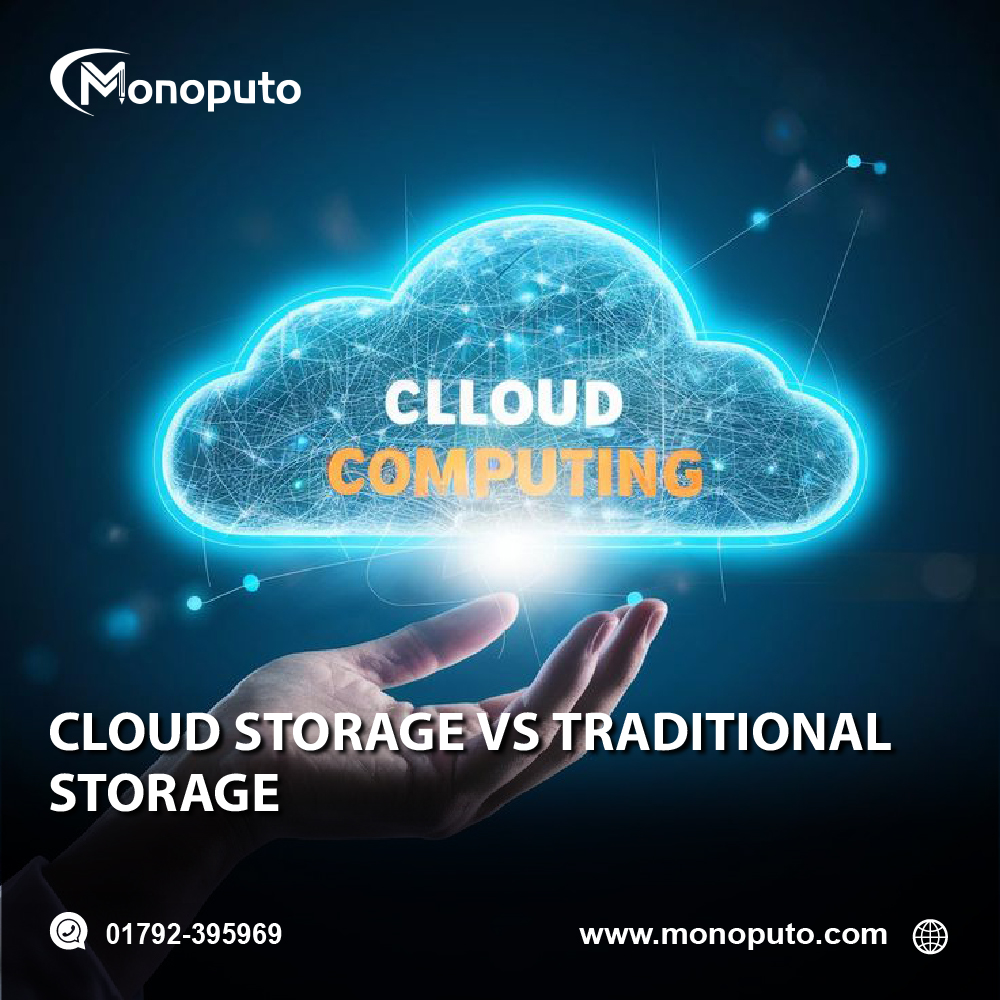
As businesses generate more data than ever before, choosing the right storage solution has become a critical decision. Whether it's customer information, financial records, project files, or multimedia content, businesses need a reliable, secure, and scalable way to store and manage their data. The two primary options are cloud storage and traditional storage, each offering distinct advantages and challenges.
Traditional storage has long been the standard for businesses, relying on physical hard drives, servers, and local data centers. However, cloud storage has transformed the way organizations store and access information by offering internet-based solutions that provide flexibility, scalability, and remote accessibility.
In this article, we'll compare cloud storage and traditional storage, explore their pros and cons, and help you determine which option is best for your business.
What Is Cloud Storage?
Cloud storage is a service that allows businesses to store data on remote servers managed by a cloud provider. Instead of saving files on local hard drives or company-owned servers, data is securely stored in data centers and accessed through the internet.
Cloud providers manage the hardware, maintenance, security, backups, and software updates, allowing businesses to focus on their operations instead of IT infrastructure.
Common cloud storage services include secure file sharing, document management, automatic backups, and collaborative workspaces.
What Is Traditional Storage?
Traditional storage refers to storing data on physical devices such as hard drives, external storage devices, network-attached storage (NAS), or on-premise servers located within a company's office or data center.
Businesses using traditional storage are responsible for purchasing hardware, maintaining equipment, installing updates, creating backups, and ensuring physical security.
While traditional storage provides complete control over data, it often requires higher upfront investments and ongoing maintenance.
Key Differences Between Cloud Storage and Traditional Storage
1. Accessibility
Cloud storage allows users to access files from anywhere with an internet connection. Employees can work remotely, collaborate across locations, and retrieve documents using laptops, tablets, or smartphones.
Traditional storage generally limits access to devices connected to the company's local network unless additional remote access systems are configured.
For businesses with remote teams or multiple office locations, cloud storage offers a significant advantage.
2. Cost
Traditional storage requires substantial upfront investments in servers, networking equipment, storage devices, backup systems, and IT personnel.
Cloud storage operates on a subscription or pay-as-you-go model, allowing businesses to pay only for the storage they actually use.
This reduces capital expenditures and makes budgeting more predictable.
For startups and small businesses, cloud storage is often the more affordable option.
3. Scalability
As businesses grow, their storage requirements increase.
With traditional storage, expanding capacity typically means purchasing additional hardware, configuring servers, and installing new equipment.
Cloud storage allows businesses to increase or decrease storage capacity almost instantly without investing in new infrastructure.
This flexibility supports business growth while minimizing downtime.
4. Security
Both storage options can be highly secure when managed properly.
Cloud providers typically offer:
Advanced encryption
Multi-factor authentication
Firewalls
Continuous monitoring
Automatic security updates
Access controls
Disaster recovery systems
Traditional storage allows businesses to maintain full control over their security measures but also places the responsibility for cybersecurity, software updates, and hardware protection entirely on the organization.
For many businesses, cloud providers offer stronger security than they could implement independently.
5. Backup and Disaster Recovery
Data loss can occur due to hardware failure, accidental deletion, cyberattacks, or natural disasters.
Cloud storage automatically creates backups and stores data across multiple secure locations, allowing businesses to recover quickly after unexpected incidents.
Traditional storage requires businesses to manually manage backup systems and disaster recovery plans.
Without proper backups, recovering lost data can be difficult and expensive.
6. Maintenance
Traditional storage requires regular maintenance, including:
Hardware upgrades
Server monitoring
Software updates
Security patches
Equipment replacement
Cloud providers handle these responsibilities automatically.
This reduces the workload for internal IT teams and minimizes system downtime.
7. Performance
Traditional storage may provide faster access for large files within a local office network because data doesn't need to travel over the internet.
Cloud storage performance depends on internet speed and network reliability. However, modern cloud providers use high-performance infrastructure that delivers excellent speeds for most business applications.
For organizations with reliable internet connections, performance differences are often minimal.
Advantages of Cloud Storage
Cloud storage offers several important benefits for modern businesses:
Lower upfront costs
Easy scalability
Remote access from any location
Automatic software updates
Improved collaboration
Built-in backup and disaster recovery
Enterprise-level security
Reduced IT maintenance
Flexible subscription pricing
Faster deployment
These advantages make cloud storage an attractive choice for businesses embracing digital transformation.
Advantages of Traditional Storage
Traditional storage still offers several benefits in certain situations:
Complete control over hardware
No dependency on internet connectivity for local access
Custom infrastructure configurations
Greater control over sensitive data
Potentially lower long-term costs for organizations with stable storage requirements
Businesses operating in highly regulated industries may prefer certain on-premise storage solutions to meet compliance requirements.
Which Storage Solution Is Better?
The right choice depends on your business goals, budget, and operational requirements.
Cloud storage is generally the better option if your business:
Supports remote or hybrid work
Needs scalable storage
Wants to reduce IT costs
Requires automatic backups
Values easy collaboration
Prefers predictable monthly expenses
Traditional storage may be suitable if your business:
Requires complete control over physical infrastructure
Has strict regulatory or compliance requirements
Operates in locations with unreliable internet access
Maintains legacy systems that depend on local storage
Many organizations now adopt a hybrid approach, combining cloud storage with on-premise infrastructure to achieve both flexibility and control.
Why Businesses Are Moving to the Cloud
Cloud adoption continues to accelerate because it enables businesses to:
Improve operational efficiency
Reduce infrastructure costs
Support remote work
Enhance cybersecurity
Simplify IT management
Accelerate innovation
Improve collaboration
Increase business continuity
As digital transformation becomes increasingly important, cloud storage provides the foundation for modern business operations.
Why Choose Monoputo?
At Monoputo, we help businesses transition to secure, scalable cloud solutions that improve productivity and support long-term growth. Whether you're migrating existing systems or implementing a hybrid storage strategy, our experienced team provides customized solutions that align with your business objectives.
Our services include:
Cloud Migration
Cloud Storage Solutions
Website Development
Business Automation
AI Integration
Digital Marketing
Search Engine Optimization (SEO)
IT Consulting
Cybersecurity Solutions
Ongoing Technical Support
We work closely with businesses of all sizes to ensure smooth cloud adoption and reliable data management.
Frequently Asked Questions
Is cloud storage more secure than traditional storage?
Leading cloud providers invest heavily in advanced security technologies such as encryption, multi-factor authentication, continuous monitoring, and automated backups. While traditional storage can also be secure, it requires businesses to manage and maintain these protections themselves.
Can small businesses benefit from cloud storage?
Absolutely. Cloud storage allows small businesses to access enterprise-grade technology without large upfront investments, making it affordable, flexible, and easy to scale as the business grows.
Should businesses completely replace traditional storage?
Not necessarily. Many organizations choose a hybrid approach, combining cloud storage with on-premise systems to balance flexibility, security, and compliance requirements.
Conclusion
Both cloud storage and traditional storage offer valuable benefits, but the right choice depends on your organization's unique needs. Traditional storage provides direct control over infrastructure, while cloud storage delivers greater flexibility, lower costs, improved collaboration, and easier scalability.
For most modern businesses, cloud storage has become the preferred solution because it supports remote work, enhances security, simplifies IT management, and enables rapid business growth. Organizations looking to remain competitive in today's digital landscape should carefully evaluate their storage strategy and consider how cloud technology can support their long-term objectives.
At Monoputo, we help businesses implement secure and efficient cloud solutions tailored to their operational needs. From cloud migration and data management to AI integration and digital transformation, our team is committed to helping your business succeed in the digital age.
Get Started Today!
📞 Call: +880 1792-395969
🌐 Website: www.monoputo.com
📧 Contact Monoputo today for a FREE consultation and discover how cloud storage solutions can improve security, reduce costs, and help your business grow with confidence.
Monoputo – Your Trusted Partner for Cloud Solutions, AI Integration, Digital Marketing, SEO, and Business Innovation.